
Is Jenni AI Worth It? A 2026 Review
If you have looked for an AI tool to help with academic writing, Jenni AI has almost certainly come up. It is one of the best known names in the space, and it takes a different approach from tools that only fix grammar. Jenni tries to help you write the paper itself, with sources and citations built in.
A note before we start: we make Writing Studio, which competes with some of the tools in this space. We have tried to be fair here, and we say where Jenni AI is the better pick.
Short answer: Yes, Jenni AI is a capable tool for drafting with citations, and its free plan is enough to try it properly. Whether it is worth paying for depends on how much you write, and on whether you are willing to check every source it suggests.
At a glance
Our verdict | Yes, for drafting with citations |
Free plan | Yes, with daily limits |
Paid plans from | About $12 per month on annual billing (Plus) |
Best for | Turning notes and sources into a draft |
Main limit | Suggested sources need checking by hand |
This review covers what Jenni AI is, pricing, what it does well, privacy, what users say, pros and cons, and who it suits in 2026.
What Is Jenni AI?
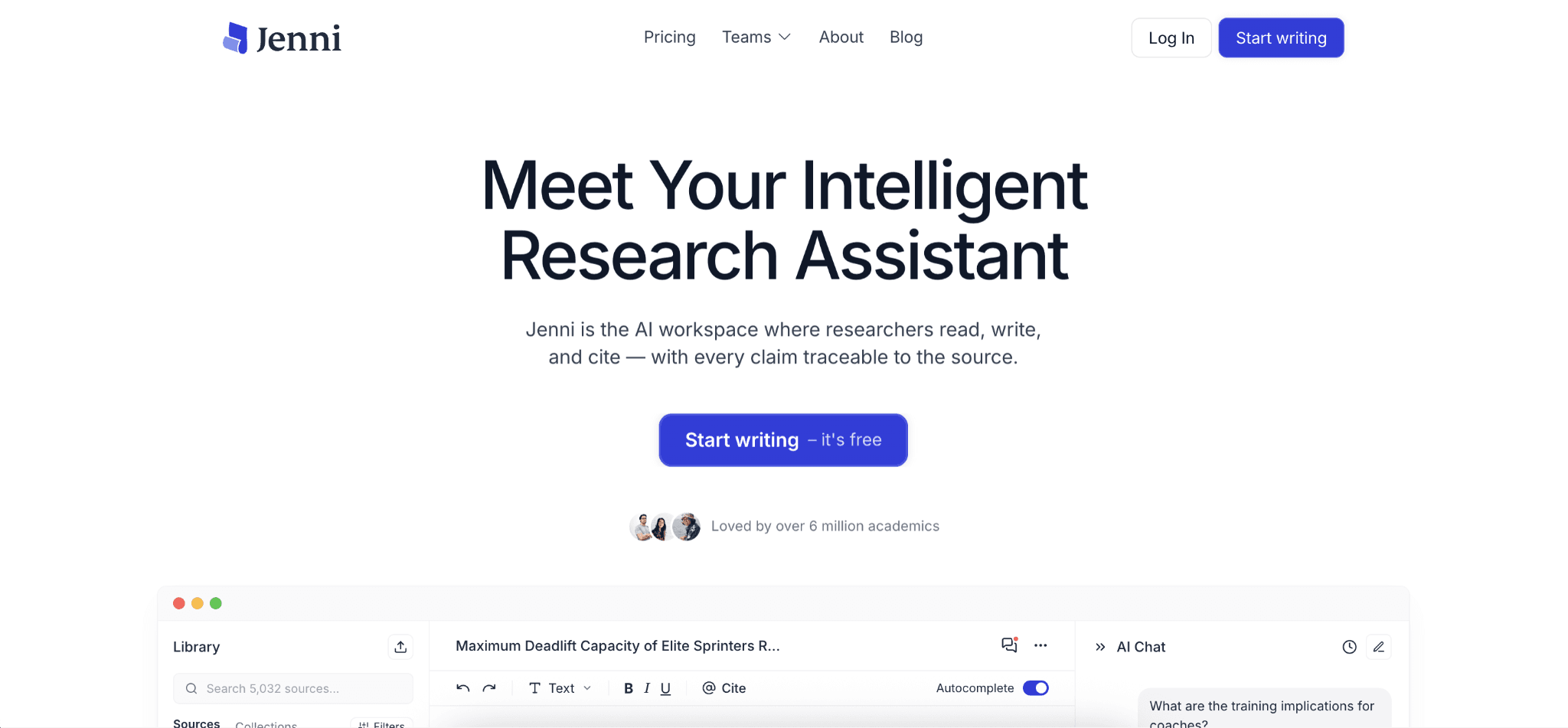
Jenni AI is a web-based AI writing workspace for students and researchers. You write in its editor, and it helps you continue your text, find sources, and add citations as you go. It also lets you upload PDFs and chat with them, so its suggestions can draw on papers you have actually read. Jenni's homepage says more than 6 million academics use it, which is the company's own figure.
Where Paperpal mostly polishes writing you have already done, Jenni sits earlier in the process. It is built for the drafting stage, where you are turning notes and sources into paragraphs.
Jenni AI Pricing Explained
Jenni has a free plan and two paid plans. Here is the rough picture:

Free plan
10 AI autocompletes per day
5 AI chat messages and 3 AI edits
10 PDF uploads
3 reviews and 3 workflow runs
Unlimited citations in 10,000+ styles
Export limited to body content only
No credit card required
Plus
Around $12 per month on annual billing
5,000 autocompletes, 500 chat messages, and 500 AI edits per month
Unlimited PDF uploads
10 reviews and 10 workflows per month
Full document export and live chat support
Pro
Around $29 per month on annual billing
Unlimited autocomplete, chat, edits, reviews, and workflows
Larger PDF page limit and priority support
Prices change, and the figures above are the annual rates shown on Jenni's pricing page, which advertises a 60% saving for annual billing. That fits what some reviewers report for month to month pricing (roughly $30 for Plus and $73 for Pro), so check the page before you buy. If you plan to write for more than a few months, the annual plan is the better deal. As with any subscription, look at the renewal terms before it auto-renews.
Is Jenni AI Free?
Partly. The free plan is generous enough to try the editor, upload a few PDFs, and see how autocomplete and citations feel. But the daily limits (10 autocompletes, 5 chat messages) are not enough to write a full paper, and export is limited to body content. Most regular writers will hit the ceiling fast.
Is Jenni AI Legit?
Yes. Jenni AI is a real, widely used product, and it does what it describes. Reviewers consistently point to the same strengths: its citation workflow and its focus on drafting from your sources.
Legit does not mean you can trust it blindly. Like any AI writing tool, it can make mistakes, and the biggest one to watch for is covered in the citations section below.
What Jenni AI Does
Jenni covers the main steps of writing a paper in one editor. The core features are:

AI autocomplete: Continues your writing sentence by sentence, so you stay in control of the argument
AI chat and edit: Ask questions about your draft or have a section rewritten
Source library: Upload PDFs, import from Zotero or Mendeley, or search a large database of papers (Jenni's homepage says 248M+) including sources like Semantic Scholar, PubMed, arXiv, and CrossRef
Inline citations: Adds citations as you write, in 10,000+ styles including APA, MLA, Chicago, and Harvard, with citations that trace back to the source
Reviews and workflows: Checks that test claims in your draft against sources (Jenni calls this claim verification), plus guided workflows for repeated writing tasks
Collaboration: Share a document, comment, suggest edits, and give supervisors viewer or commenter access
The paragraph-level autocomplete is what most people remember. It feels more like a writing partner than a tool that dumps a full essay on you, and it is a good fit for students who get stuck on a blank page.
The Citation Question
This is the most important thing to understand before relying on any AI writing tool, Jenni included. AI can suggest sources that look right but are wrong, or in some cases do not exist. Even well-reviewed tools carry this risk, and reviewers of Jenni say the same: suggested sources need to be checked.
Jenni makes this easier by letting you draw on documents you have uploaded, and says it ties claims back to your own sources. That is a real improvement over asking a general chatbot for references from memory. Its Reviews feature, which it describes as claim verification, is a useful second check. Still, make it a habit to open each cited source and confirm it says what your sentence claims. A wrong citation is your problem, not the tool's.
Because academic integrity rules differ between schools, also check your institution's policy on AI tools before you use Jenni for graded work.
Want Every Claim Checked Against Your Own Sources?
Jenni and Writing Studio overlap more than most tools in this space: both let you draft alongside your sources, add citations as you write, and check claims against sources. Where we differ is the workflow. In Writing Studio you highlight any sentence and it pulls the exact passage from your library that supports it, with a confidence score. If nothing in your library backs the claim, it gets flagged instead of quietly cited. See the full breakdown on our Writing Studio vs Jenni AI page.
Is Jenni AI Safe and Private?
Jenni's help center says your drafts, prompts, and outputs are not used to train Jenni models, and that Jenni does not sell your writing or use it for advertising. It also says that when an AI feature runs, relevant text may be sent to third party model providers to complete your request. These are the company's own statements.
Jenni's privacy policy adds a detail to read before you upload sensitive work. It says Jenni uses PostHog for product analytics, that a small sample of editor sessions is recorded, and that these recordings capture document text, including unpublished drafts. It also says some analytics events carry chat messages and surrounding document text, that this runs by default, and that you can stop it by denying analytics cookies in your settings. The help center says document and chat text is excluded from session recordings, which does not match the policy wording, so read both pages and ask Jenni if it matters for your work.
If you are working with unpublished research, a thesis in progress, or anything sensitive, check your cookie settings first and do not upload material your institution or journal does not allow. Jenni says that when you delete your account your content becomes inaccessible right away, is removed from active systems within 30 days, and is gone from all its systems within 90 days.
Will Jenni AI Get You Flagged by AI Detectors?
Jenni's autocomplete writes text for you, so if your school restricts AI-generated text, using it could be a problem whatever a detector says. Jenni also does not list a plagiarism checker or AI detector, so you would need a separate tool if you want that kind of scan.
No writing tool can promise your work will not be flagged. AI detectors are known to be unreliable, and they sometimes flag text that a person wrote entirely alone. What matters most is your school's or journal's policy: whether AI help is allowed, and whether you have to disclose it. Check that before you submit anything graded, and keep your own notes and drafts as a record of how you worked.
What Do Users Say About Jenni AI?
On Trustpilot, Jenni AI had a 3.6 out of 5 rating from 154 reviews when we checked, with 64% at five stars and 23% at one star. Users praise the writing help, the automatic citations and reference formatting, and some mention helpful support staff.

The complaints are mostly about billing: unexpected charges, a confusing cancellation process, and slow support replies on billing problems. If you subscribe, pay by card, note how to cancel, and check your account after signing up. Trustpilot reviews are self selected, so treat the score as a rough signal.
Pros and Cons of Jenni AI
Pros
Drafting and citing in one editor, instead of juggling several tools
Paragraph-level autocomplete keeps the argument in your hands
Works with uploaded PDFs and imports from Zotero and Mendeley
Very wide citation style support
Collaboration with comments and viewer roles for supervisors
A real free plan to test it before paying
Cons
The free plan runs out quickly
Suggested sources must still be checked by hand, as with any AI tool
Jenni does not list a plagiarism checker or AI detector on its site
Monthly billing costs much more than the annual rate
The help center and the privacy policy differ on whether document text is captured in analytics
Who Jenni AI Is Best For
Jenni AI is a good fit if you:
Get stuck turning notes and sources into paragraphs
Want drafting, sources, and citations in one place
Write long papers, theses, or literature reviews that need many references
Are happy to verify each source it suggests
Want a free plan to test before committing
Who It May Not Be Ideal For
Jenni AI may be less suitable if you:
Mainly need grammar and language polish, where a tool like Paperpal is stronger
Need a plagiarism check and AI detection in the same app
Want every claim in your draft matched to a specific passage with a confidence score
Write only an occasional paper and cannot justify a subscription
Are on a tight budget and need heavy AI use every month
Handle unpublished or sensitive drafts and have not checked Jenni's analytics settings
Alternatives to Jenni AI
Alternative | What it is best at |
Writing Studio | Source-grounded drafting, with claim-level checks that flag anything your library does not support |
Paperpal | Stronger on academic language editing and pre-submission checks |
Grammarly | A broader grammar and writing tool for general use |
QuillBot | Paraphrasing and summarizing at a lower price |
SciSpace | Focused on reading and understanding research papers |
Yomu AI | Another AI writing tool aimed at students |
Many writers combine tools, for example one for drafting with sources and another for a final language pass.
Final Verdict: Is Jenni AI Worth It in 2026?
Yes, if you want help drafting with sources and citations in one place. Jenni is one of the more complete tools for the middle of the writing process, and the free plan lets you judge it before you spend anything.
It is not a replacement for your own checking. Whatever tool you use, open every source and make sure it supports the claim you attached it to.
Jenni works best for students and researchers who already have a reading list and need help turning it into a draft.
Jenni AI FAQ
Is Jenni AI free?
Partly. The free plan gives you 10 autocompletes a day, 5 chat messages, 3 AI edits and 10 PDF uploads, which is enough to try it but not to write a full paper.
Are Jenni AI citations accurate?
Jenni lets you draw on PDFs you upload, which helps, but any AI tool can suggest a source that is wrong or does not exist. Open each cited source and confirm it supports your sentence.
Is Jenni AI better than ChatGPT for academic writing?
Jenni is built for drafting with sources and citations inside an editor, while a general chatbot can invent references from memory. Either way, you still need to check every source.
Does Jenni AI use my writing to train its models?
Jenni's help center says it does not use your drafts, prompts, or outputs to train Jenni models. Its privacy policy also describes product analytics and session recording that can capture document text by default, with an opt out in your cookie settings. The two pages differ on session recordings, so read both before you upload sensitive work.

