
Is Paperpal Worth It? A 2026 Review
If you write academic papers, you have probably seen Paperpal. It shows up in Word, Google Docs, and almost every "best AI tools for researchers" list. It is also one of the more established names in the space, so the real question is not whether it exists, but whether it is worth paying for.
A note before we start: we own Writing Studio, which competes with some of the tools in this space. We have tried to be fair here, and we say where Paperpal is the better pick.
Short answer: Yes, Paperpal is a solid tool for polishing academic writing. It is best at editing and language, and less of a fit if you want one workspace that handles your sources and drafting from start to finish. Whether it is worth it depends on how you write and how much you want to pay.
At a glance
Our verdict | Yes, for polishing academic writing |
Free plan | Yes, with monthly limits |
Paid plans from | About $25 per month, or about $12 per month on annual billing (Prime) |
Best for | Language editing and pre-submission checks |
Main limit | Not built around managing your sources |
This review covers what Paperpal is, pricing, what it does well, privacy, what users say, pros and cons, and who it suits in 2026.
What Is Paperpal?
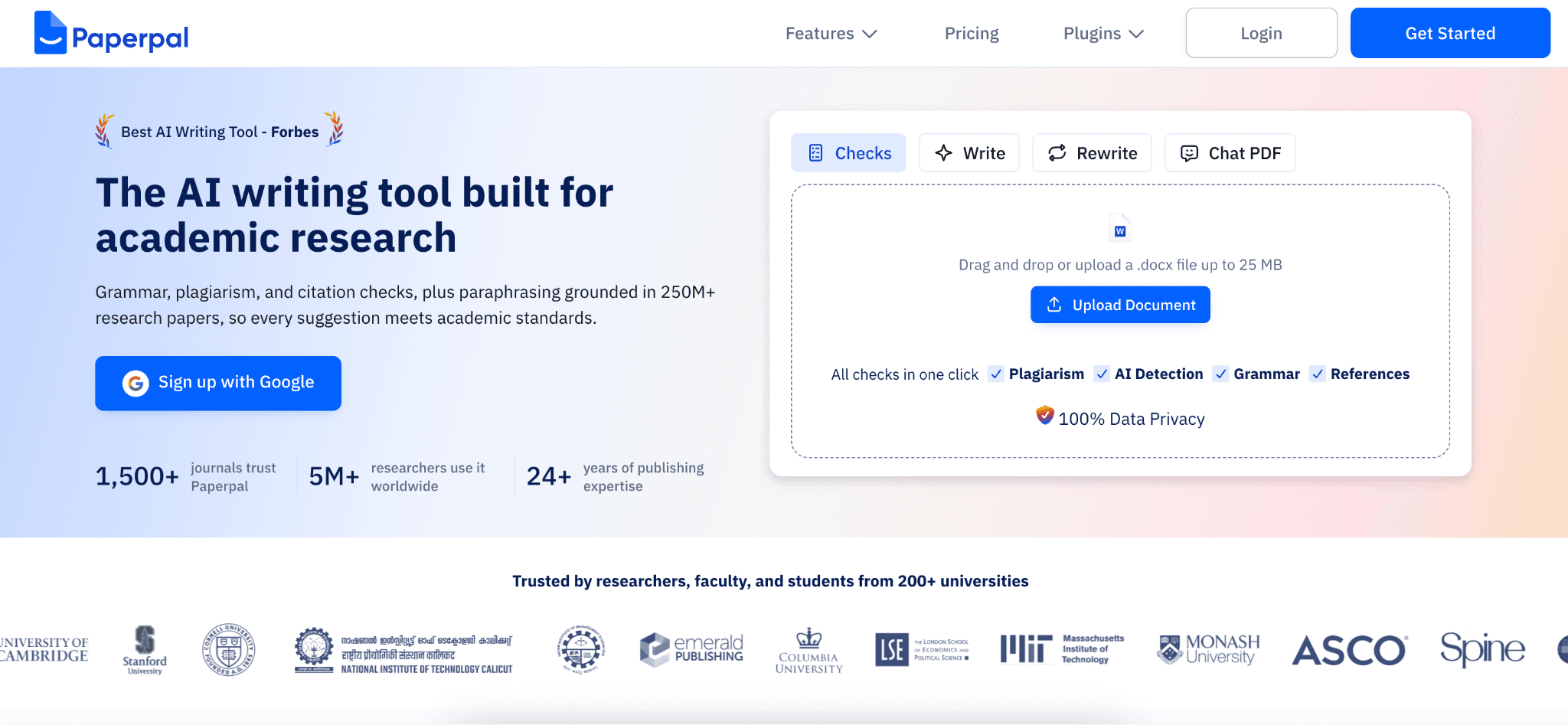
Paperpal is an AI writing assistant built for academic work. It is made by Cactus Communications, the company behind the Editage editing service, which has a long history in scholarly publishing. The company says it has more than 5 million users.
Most people use it in one of three places: a Word add-in, a Chrome extension that works in Google Docs and Overleaf, or the Paperpal website. It sits on top of the document you are already writing, instead of asking you to move your work somewhere new.
Paperpal Pricing Explained
Paperpal has a free plan and two paid plans, Prime and Pro. The plan features and limits below come from Paperpal's own pricing page. Paperpal shows prices in your local currency, so the dollar prices come from its help center, and the figure you see may differ a little. Here is the rough picture:

Free plan
200 grammar and language edits per month
A lite plagiarism report, a preview of AI detection, and a lite journal fit report
5 uses per day of writing tools such as paraphrase, trim, and translate
5 uses per day of research Q&A and citation lookup, and chat with up to 5 papers per month
300 MB of library storage and limited use of Paperpal's research agents
Citation formatting as plain text. Automated bibliographies are on paid plans
Prime
20,000 grammar and consistency edits per month
Plagiarism checks up to 10,000 words per month and reference checks up to 10,000 words per month, plus AI detection
A lite journal fit report. The full report is on Pro
500 uses per month of the writing tools and research Q&A, chat with up to 150 papers per month, and 2 GB of library storage
Full AI-assisted figure generation (Illustrate, in beta) with high-resolution SVG exports
$25 per month, or $144 per year (about $12 per month). Some pages show $139 per year. Paperpal advertises a 51% saving for annual billing
Prepaid 2 year and 3 year options are listed for Prime only, saving 22% and 34% against the annual plan, with no auto-renewal. Third party price lists show about $229 and $289
Pro
Aimed at theses and high-stakes manuscripts
Unlimited grammar and consistency edits and unlimited AI detection
Plagiarism checks and reference checks up to 30,000 words per month each
Unlimited journal fit checks with the full report
Unlimited writing tools and research Q&A, and chat with up to 500 papers per month
Research and writing agents listed as unlimited during a promotional period
10 GB of library storage and one custom expert designed illustration per month
$59 per month, or $348 per year (about $29 per month), according to Paperpal's help center
Prices change, and Paperpal often runs discounts, so check the pricing page before you buy. All plans come with a 100% money back guarantee (the page does not say for how long), and you can pause or cancel a subscription.
Three things are worth knowing.
First, Paperpal advertises a 51% saving for annual billing, so the monthly price is roughly double the annual price per month, and the annual plan is the better deal if you will use it for more than a few months.
Second, renewal prices are not always the same as your first-year price, so look at the renewal notice before it auto-renews.
Third, if you use up your plagiarism check allowance, one review says you can buy extra word packs.
Is Paperpal Free?
Partly. The free plan is useful for a trial run: it includes 200 grammar edits per month, a lite plagiarism report, an AI detection preview, and a few daily uses of the writing and research tools. But the monthly limits run out quickly if you write regularly. Many reviewers say active writers hit the free ceiling within the first week or two.
Is Paperpal Legit?
Yes. Paperpal is a real product from an established company, and it does what it says. Several things back that up:
It comes from a company with years of experience in academic editing
It is widely used by students, researchers, and journal authors
It states that it never uses your documents to train its AI models, on any plan including free
It lists security certifications including ISO/IEC 27001 and ISO/IEC 42001 (for AI management), plus GDPR and FERPA alignment
Legit does not mean perfect for everyone. Its strengths are very specific, and that matters when you decide.
What Paperpal Does
Paperpal covers a lot of ground. The main features are:

Academic language editing: Grammar, clarity, tone, and vocabulary suggestions tuned for research writing. This is the heart of the product.
Paraphrasing and rewriting: Rewrites sentences while keeping an academic tone
AI writing help: Prompts and templates to get past a blank page
Research and citations: A reference finder, plus a citation generator that supports 10,000+ styles
Chat with PDF: Ask questions about a paper you upload
Checks before you submit: Plagiarism check, AI detection, a reference checker, and journal submission readiness checks
Other tools: Translation, an AI summarizer, and an essay writer
Research agents and Illustrate: AI agents for research and writing tasks, and an AI figure generator that is still in beta
The language editing gets the most praise from reviewers, and our experience matches. It is better than a general grammar tool at fixing the kind of stiff or unclear phrasing that shows up in research papers. It is especially useful for people writing in English as a second language.
Rather Keep Your Sources and Draft in One Place?
Paperpal mostly improves writing you have already done. Writing Studio works the other way around: you bring your sources, draft alongside them, and every citation links back to a passage you can open and check. If your biggest problem is finding the right source for a claim, not polishing sentences, see how the two compare on our Writing Studio vs Paperpal page.
Is Paperpal Safe and Private?
Paperpal says your documents are never used to train its AI models on any plan, including free, that you can delete your files at any time, and that data is encrypted in transit (256-bit) and at rest. It lists GDPR compliance, ISO certifications, and SOC 1 certified data facilities. Its homepage and its data security page do not list exactly the same certifications, so check which ones matter to you. That is still a stronger privacy position than many AI writing tools offer.

As with any tool, read the privacy policy yourself if you are working with unpublished research or sensitive data. Do not paste anything in that your institution or journal does not allow.
Will Paperpal Get You Flagged by AI Detectors?
Paperpal includes its own AI detection check, and some users on Trustpilot say it flagged ordinary text as machine written. Treat any detector score as a hint, not proof.
No writing tool can promise your work will not be flagged. AI detectors are known to be unreliable, and they sometimes flag text that a person wrote entirely alone. What matters most is your school's or journal's policy: whether AI help is allowed, and whether you have to disclose it. Check that before you submit anything graded, and keep your own notes and drafts as a record of how you worked.
What Do Users Say About Paperpal?
On Trustpilot, Paperpal had a 4.7 out of 5 rating from 480 reviews when we checked, with 82% of reviews at five stars and 5% at one star. Users praise the easy interface, the writing help for academic work, and the research and citation tools.

The most common complaints were AI detection flagging normal text, technical glitches, and limits on file uploads and document length. Trustpilot reviews are self selected, so read the score as a rough signal and check the most recent reviews yourself.
Pros and Cons of Paperpal
Pros
Strong academic language editing, better than general grammar tools
Works inside Word, Google Docs, and Overleaf
Wide citation style support
Submission readiness checks are useful if you publish in journals
Clear privacy position on training data
A real free plan to test it
Cons
The free plan runs out fast
$25 per month is steep for students, so you really need an annual plan
Research answers and summaries can be broad, so you still have to verify them
It is built around polishing text, not around managing a library of sources for a project
You still need to check every citation and reference yourself
Who Paperpal Is Best For
Paperpal is a good fit if you:
Already know your argument and want clearer, more polished writing
Write in English as a second language
Submit manuscripts to journals and want pre-submission checks
Work in Word or Google Docs and want help without switching apps
Write regularly enough to justify a subscription
Who It May Not Be Ideal For
Paperpal may be less suitable if you:
Want one workspace where your sources, notes, and draft live together
Need every claim in your draft tied back to a specific passage in a source
Only write a paper or two a year and cannot justify the cost
Are on a tight student budget and need heavy use of AI features
Alternatives to Paperpal
Alternative | What it is best at |
Writing Studio | Source-grounded drafting, with citations that link to a passage in your own library |
Jenni AI | An AI writing partner with autocomplete and citation support |
Grammarly | A broader writing and grammar tool for general use |
QuillBot | Paraphrasing and summarizing at a lower price |
Trinka | A cheaper academic grammar checker |
SciSpace | Focused on reading and understanding papers |
Many researchers use two tools together, for example one for finding and citing sources and another for language polish.
Final Verdict: Is Paperpal Worth It in 2026?
Yes, if your main need is better academic writing. Paperpal is one of the best tools for polishing language, catching clarity problems, and getting a manuscript ready to submit. At the annual price it is reasonable for people who write often.
It is not the full answer if your main struggle is the research side: keeping track of sources, knowing which one supports which claim, and trusting every citation. For that, a tool built around your own source library is a better match.
Paperpal works best as the finishing step on a draft that is already well researched.
Paperpal FAQ
Is Paperpal free?
Partly. There is a free plan with 200 grammar edits per month and a few daily uses of the writing and research tools, but active writers tend to hit the limits within a week or two.
Is Paperpal better than Grammarly?
They are built for different jobs. Paperpal is tuned for academic writing and journal submission, while Grammarly is a broader general writing tool. If you write research papers, try the free plans of both before paying.
Does Paperpal use my documents to train its AI?
Paperpal says it never uses your documents to train its AI models, on any plan. That is the company's own statement, so read its privacy policy if your work is sensitive.
Is Paperpal worth it for students?
It can be, if you write regularly and choose the annual plan. At the monthly price of $25 for Prime it is steep for most student budgets.

